Menno - Hair Settings
M. Avatar Setting allows you to adjust the color and shape of the Menno avatar’s hair.
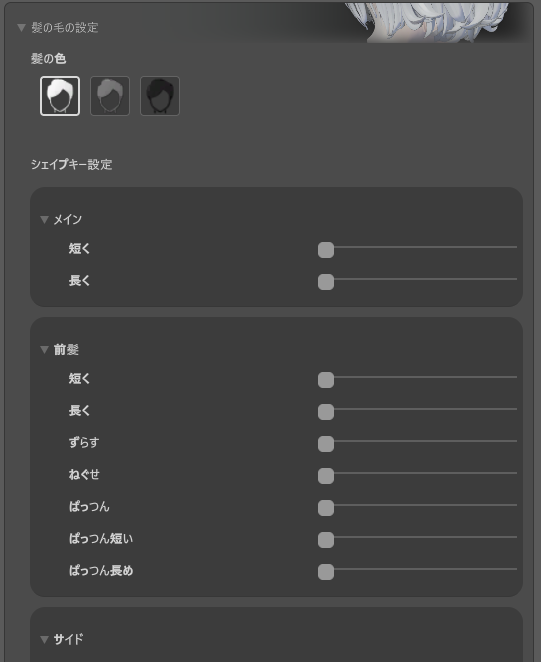
Hair Color Settings
You can select the hair color of the Menno avatar from the presets provided.
Available Hair Colors
- Default - Standard hair color
- Gray - Gray hair color
- Black - Black hair color
You can instantly change the hair color by clicking on each color button.
Hair Style Adjustment
You can finely adjust the hairstyle using the hair blend shapes.
Operation Method
- Open the M. Avatar Setting window
- Select the Menno avatar
- Expand the “Hair Settings” section
- Expand each category and adjust the sliders
Resetting Settings
If you want to reset all hair settings to their initial state, click the “Reset” button. A confirmation dialog will be displayed, and if you select “Yes”, the settings will be reset.
Notes
- Extreme settings may affect appearance and physics simulation
Language Settings
You can switch between Japanese and English with the language switch button in the upper right of M. Avatar Setting. The UI display will switch accordingly.